Here is the result from last weekend. There are some things to fix of course.
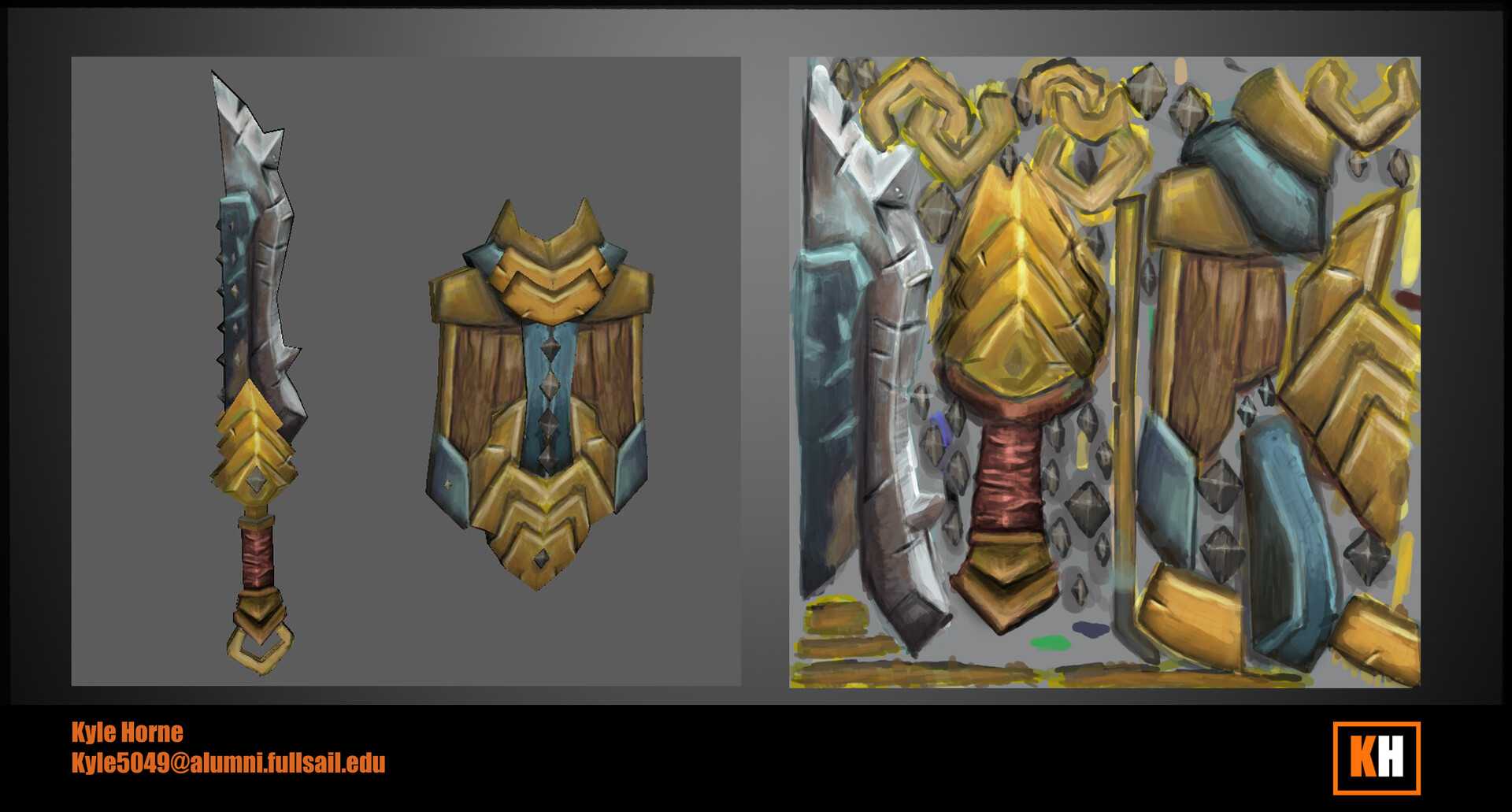
Here is the result from last weekend. There are some things to fix of course.
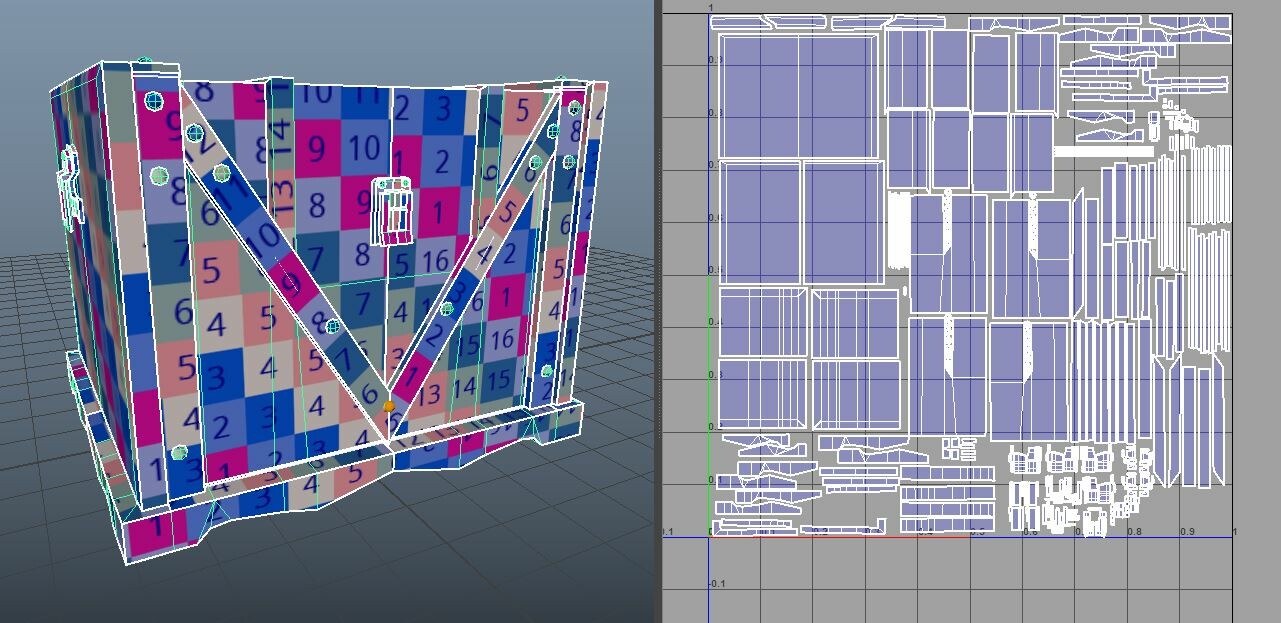
I still need to UV tomorrow and hopefully block in the base color, took me the better part of a week just to model, even though this is a texturing course, it will be the least time spent in the process.
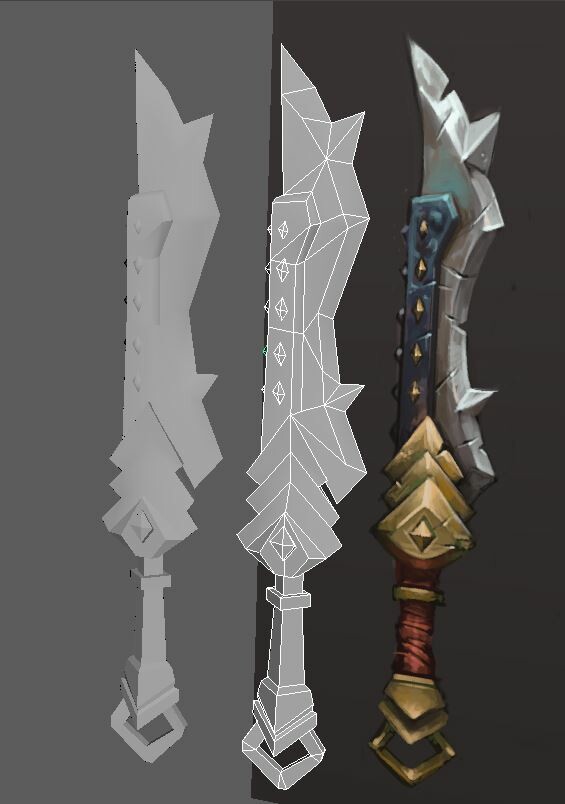
Sword and Shield Model
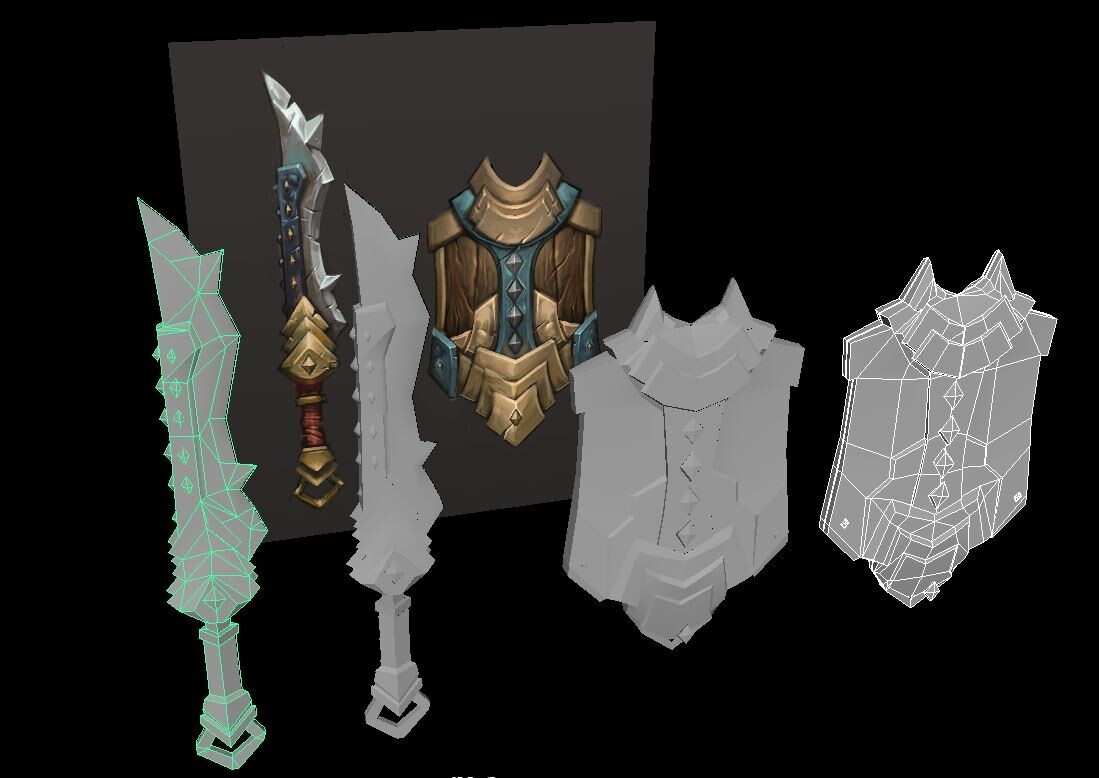

Reports. Lumberg... Anyways I Started the third class this year auditing Full Sail Online courses for Game Art. Following the tutorial by Tyson Murphy for Hand Painted Sword and Shield.
Method used: Mesh Tools >
Create Polygon Tool

Wooden Chest. Modeled in Maya textured in Substance Painter, setup in Unreal Engine 4.
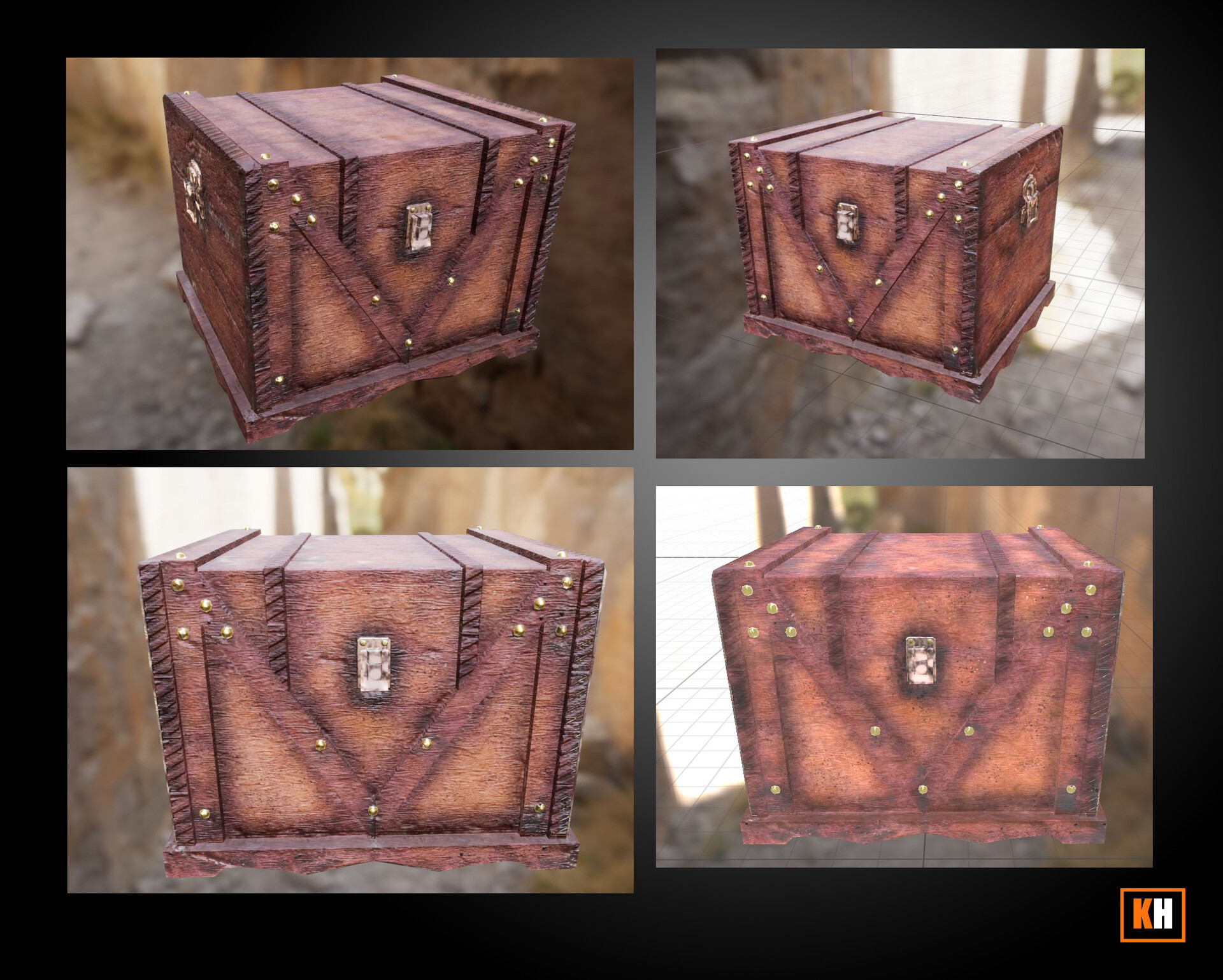
*WIP Art Creation for Game Final week.
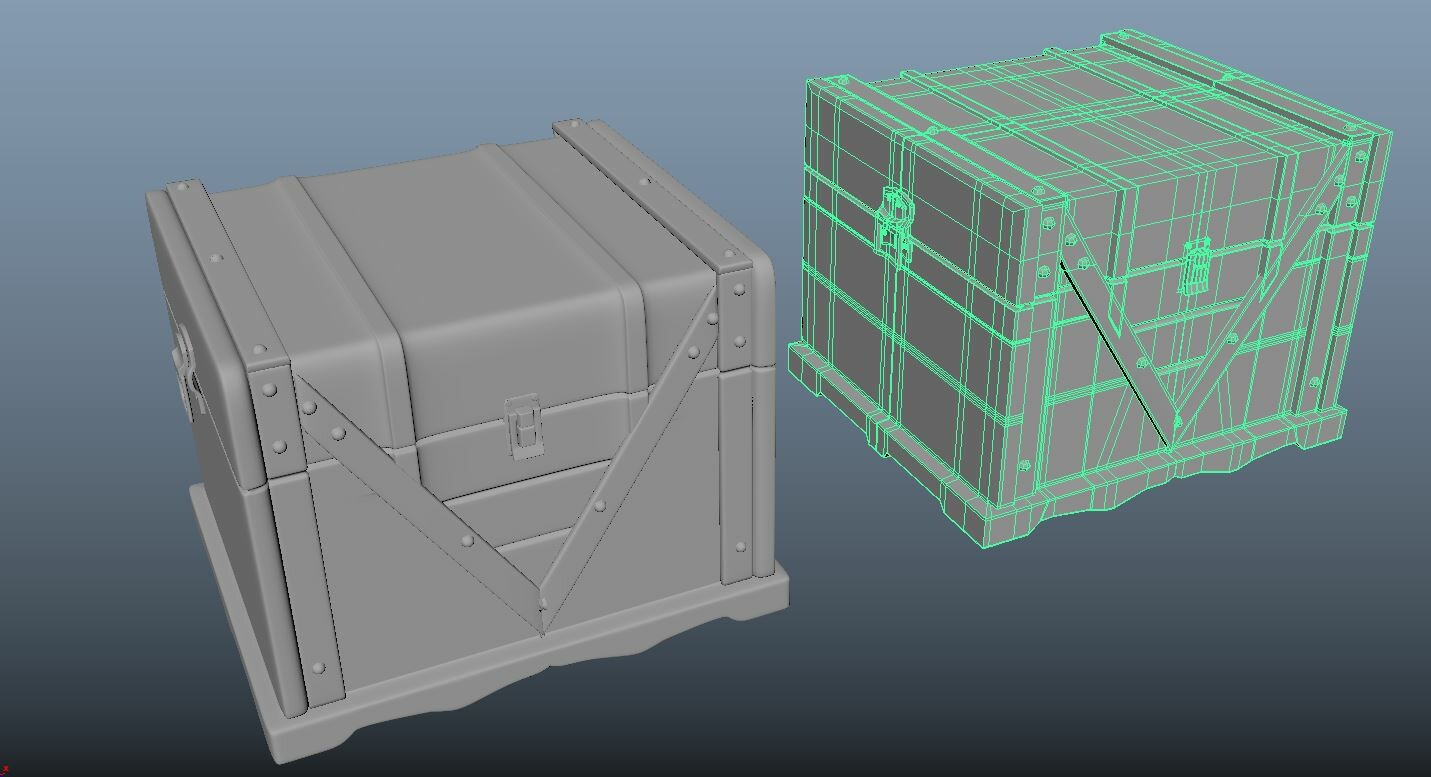
I realized that I have to go back and add some beveled edges for the corners at least. There are some normal map baking issues. and some AO issues where the geometry is an intersection.
I was learning more about how to use iD maps in Maya by using the Mesh Display > Apply Color to then export a Game Res with the colors applied.
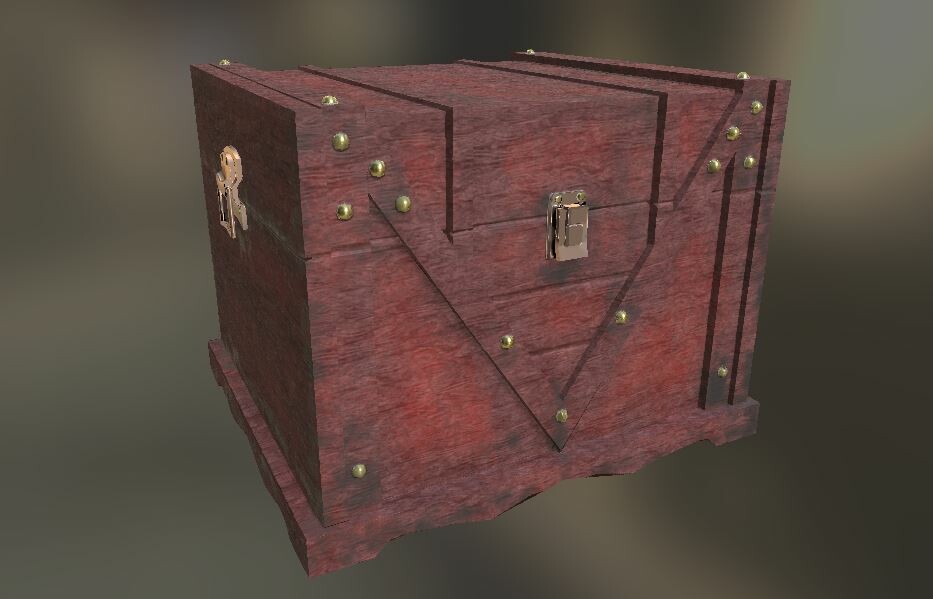
Wooden chest modeled for subdivision smoothing preview in Maya. Holding edges will be deleted for the Game Res, this was to match the silhouette and to help baking before taking this sculpt into Zbrush and Sub Painter.
- Kyle Horne
Wooden Chest Blockout to Near Game Res. *WIP
2.5 Hours
Modeled in Maya. Will texture later in Substance and setup in Unreal
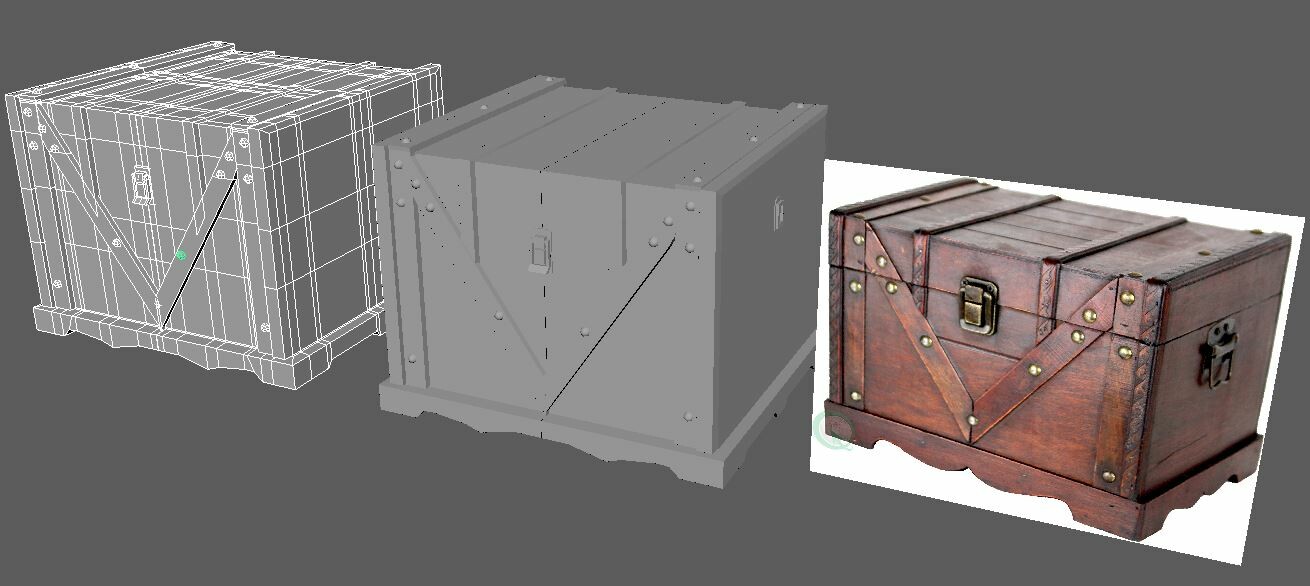
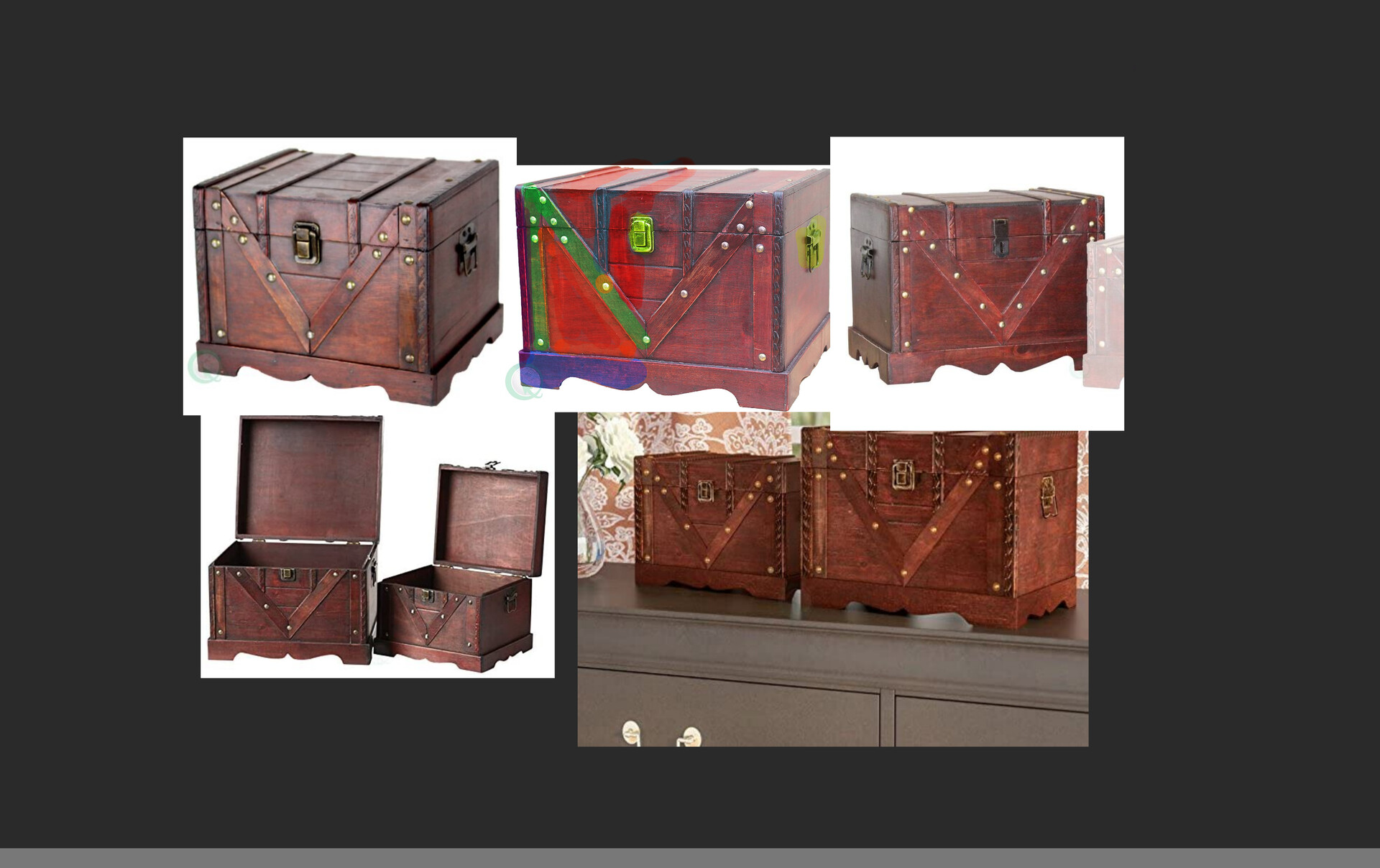
Substance Painter and Unreal. The base model in Maya. This was my first full week with Substance Painter. I learned a lot
TDR Delay- settings in the Regedit.
Full-Screen Mode - Tab in Sub and F11 in Unreal
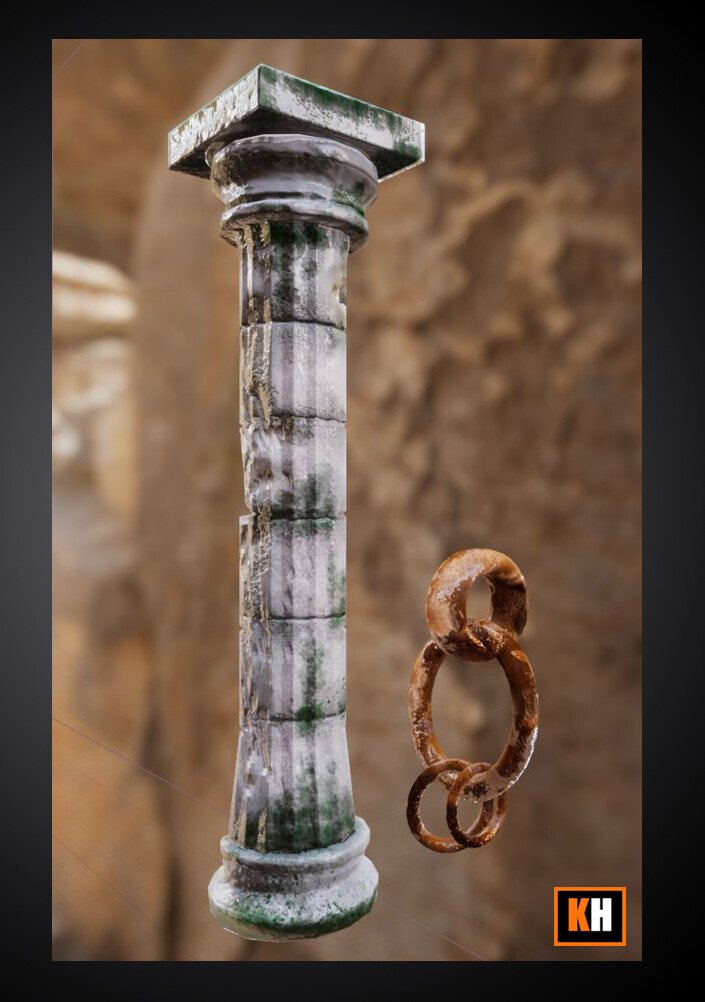
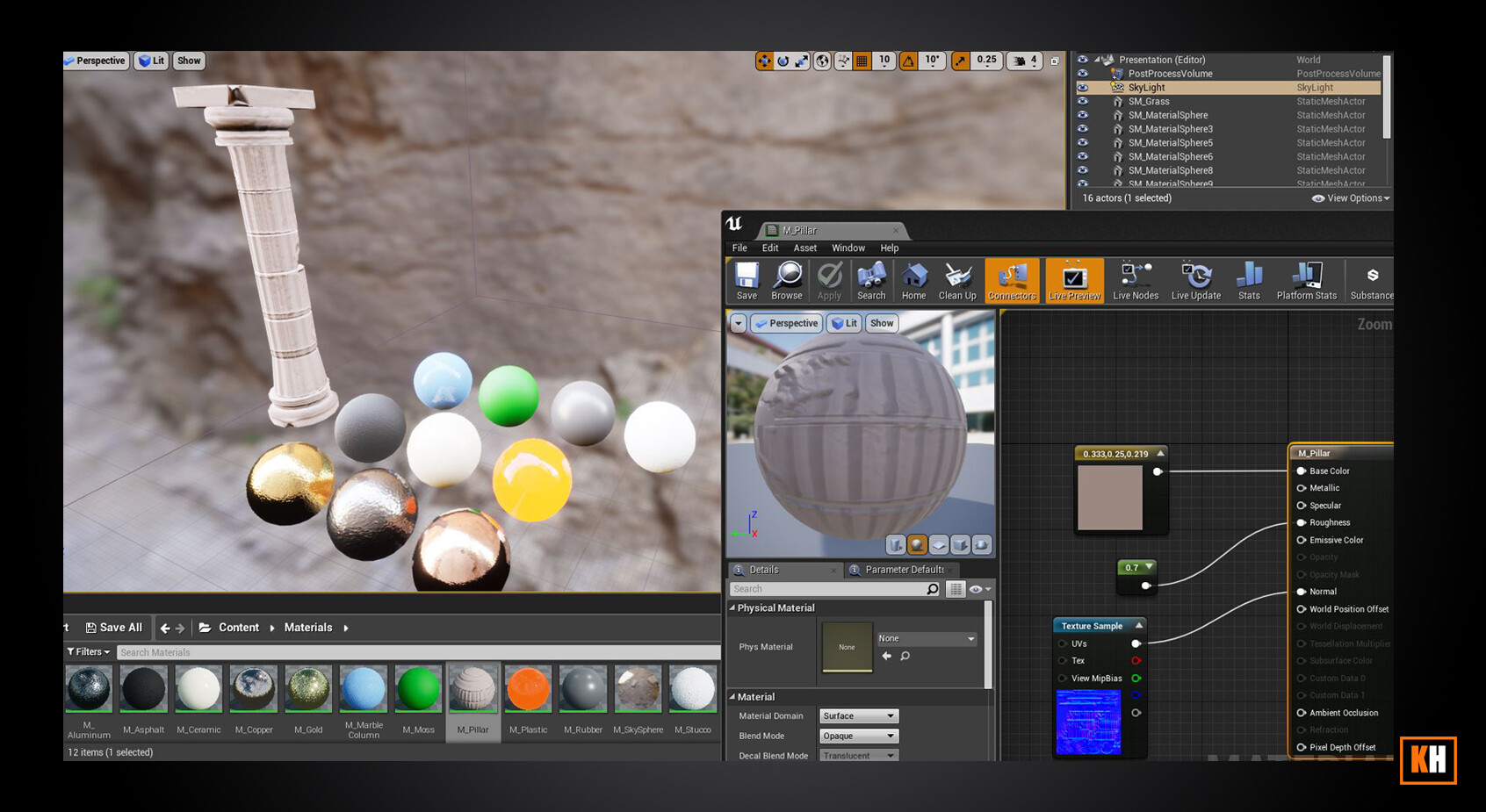

Thanks!
Been a long time since I used Unreal. Created some Base materials just using constants and some provided normal maps.
Pillar Base Material WIP*
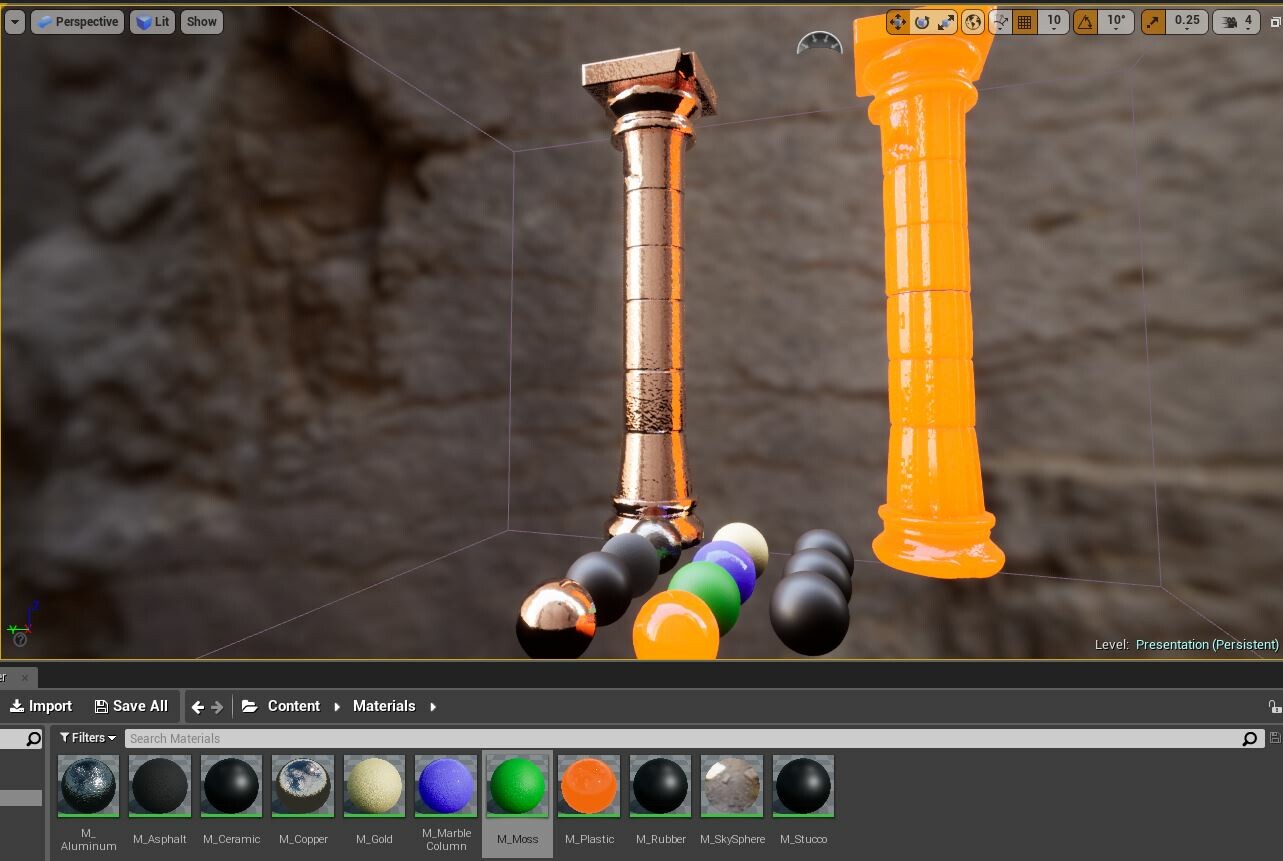
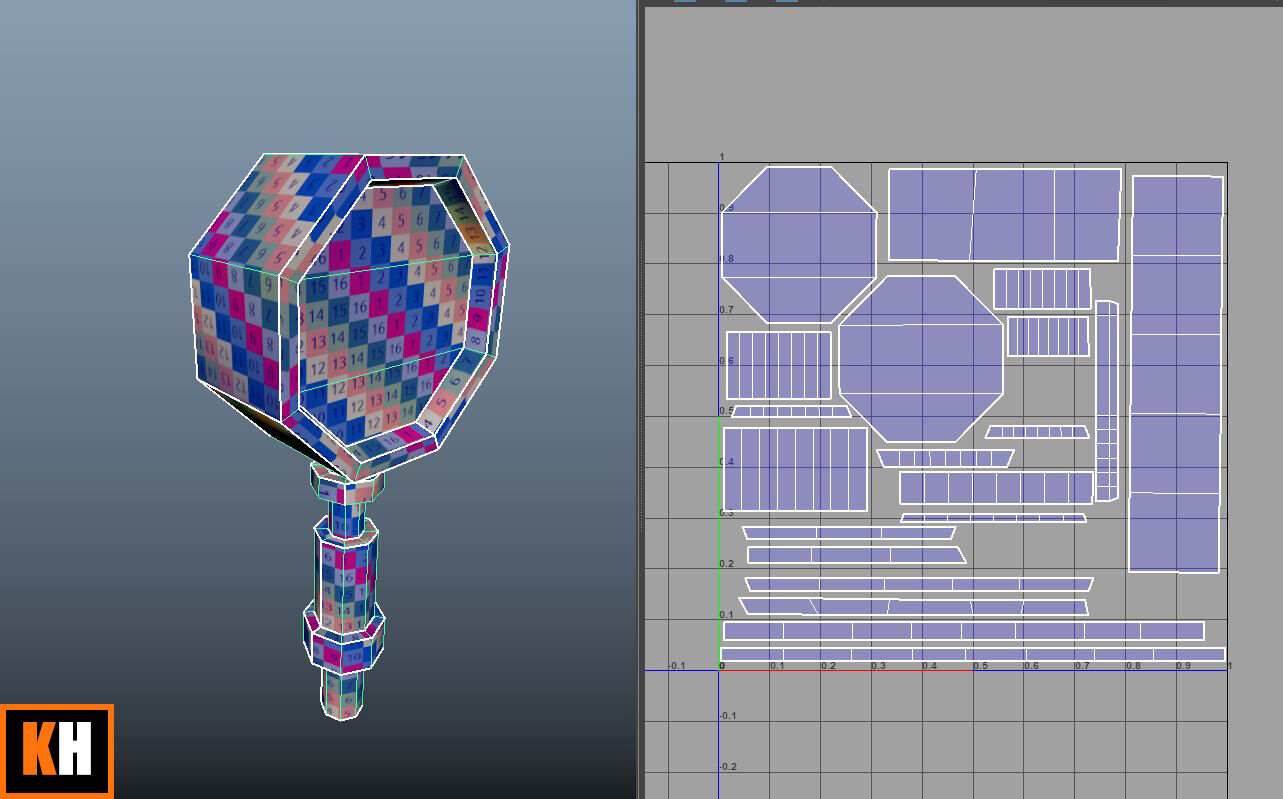
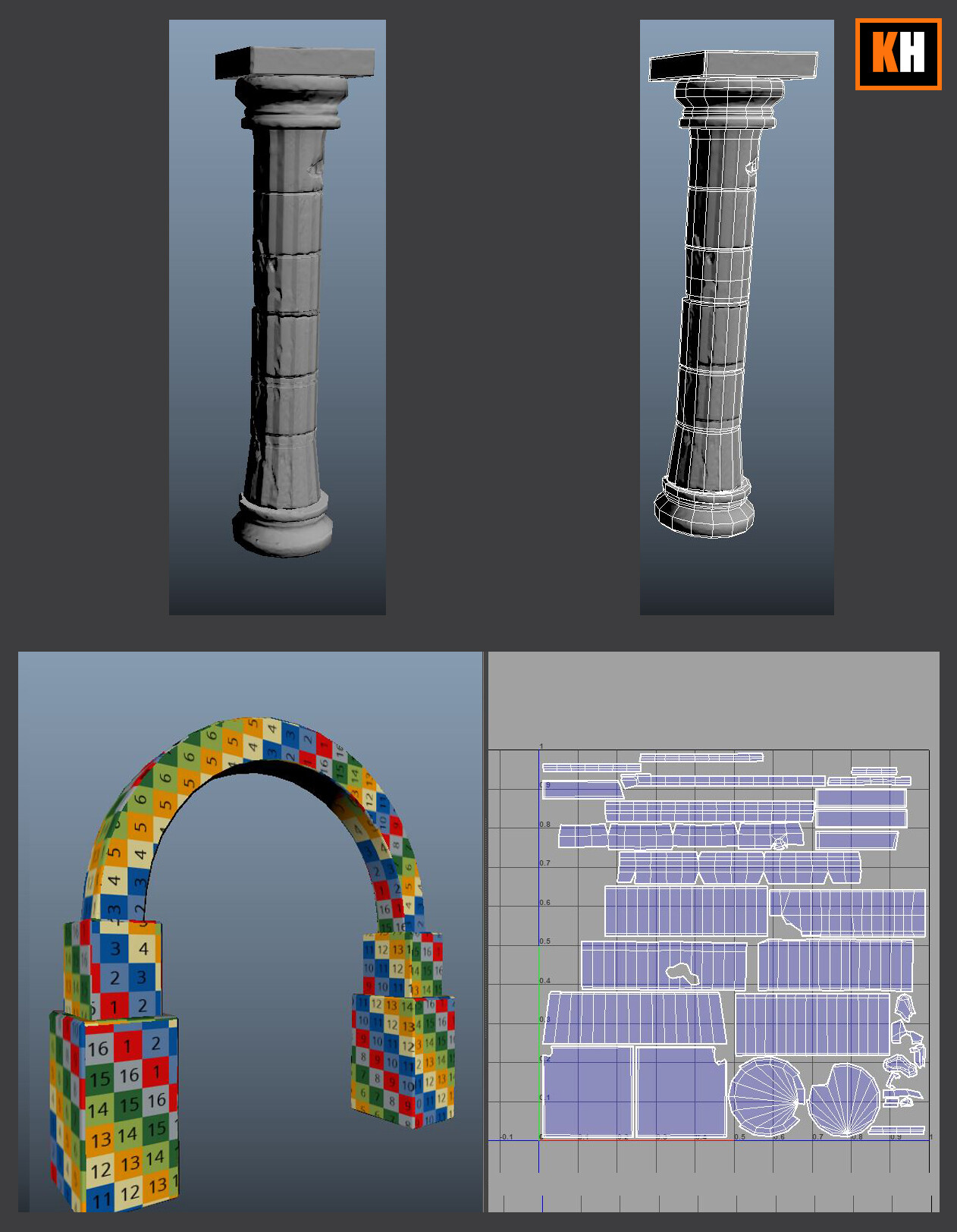
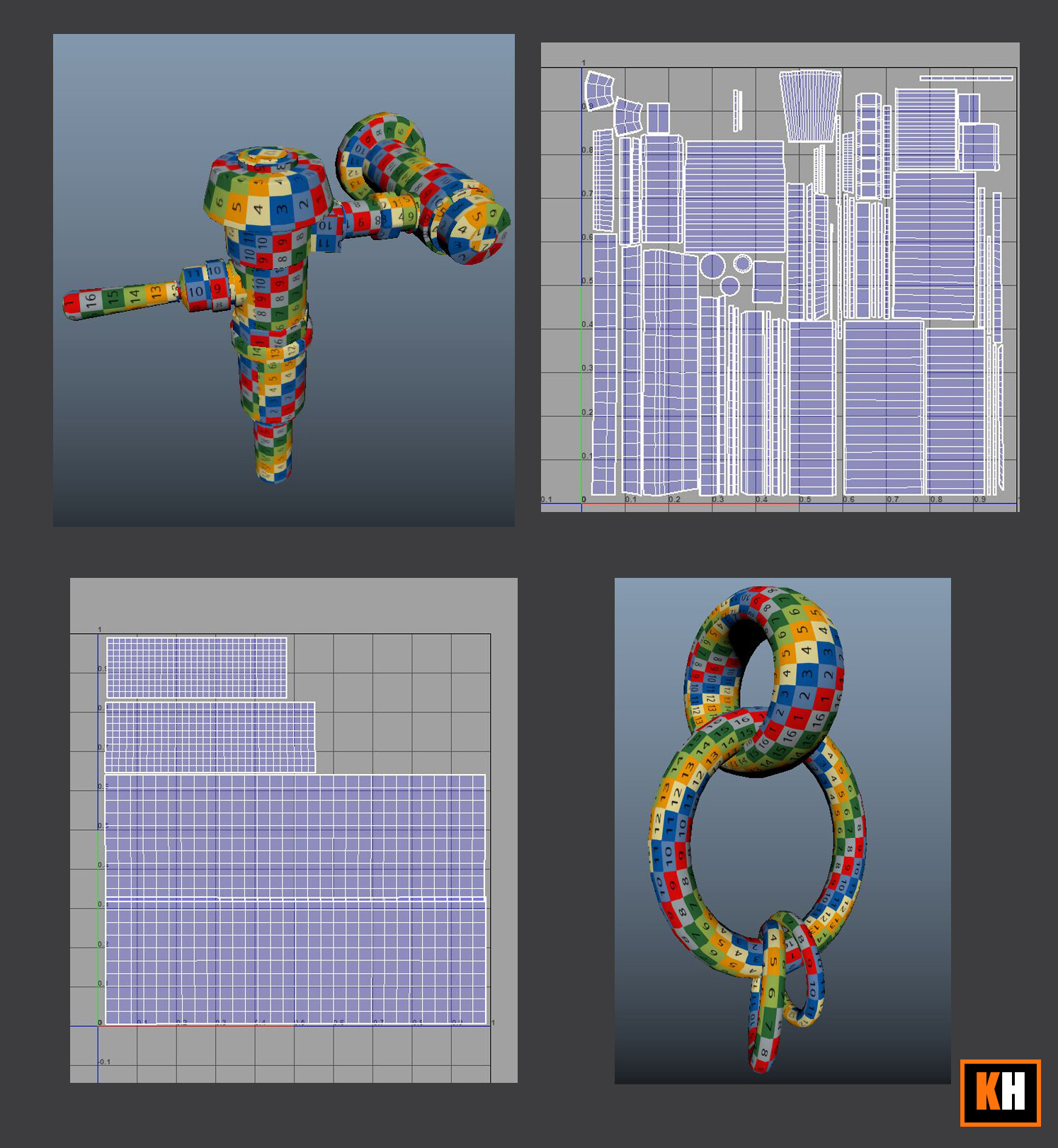
This week was not as challenging as the first one. There was mostly UV unwrapping to do with minimal modeling. I enjoyed this listening to music mostly. The big takeaway here was to use automap.
For Curved shells - the steps are to select all curved edges. Cut. Then move and sew each piece onto a straight shell.
Unitize - First select all the edges of a tube shape. DESELECT all the edges you want to act as seems. Then move and sew.
Select Continous Edge - This is amazing